Backspn
GitHub
Public beta

Free, open source and made for any controller

Mix four decks with sync and keylock, split any track into stems and play 74 effects on the beat. Native drivers, ready-made MIDI profiles and MIDI learn for everything else. For macOS, Windows and Linux.

macOS (.dmg) · Windows (.exe) · Linux (.deb, AppImage)

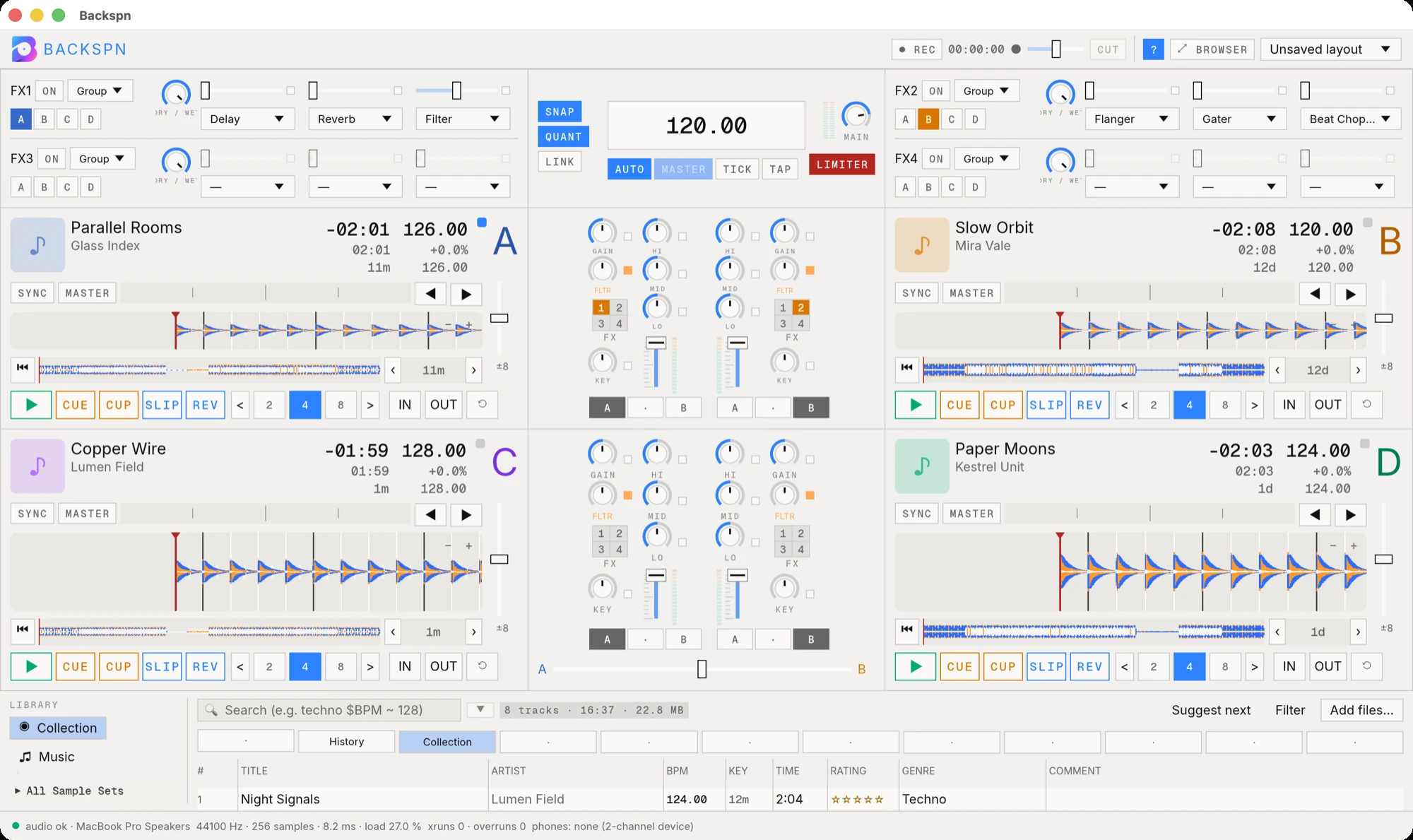
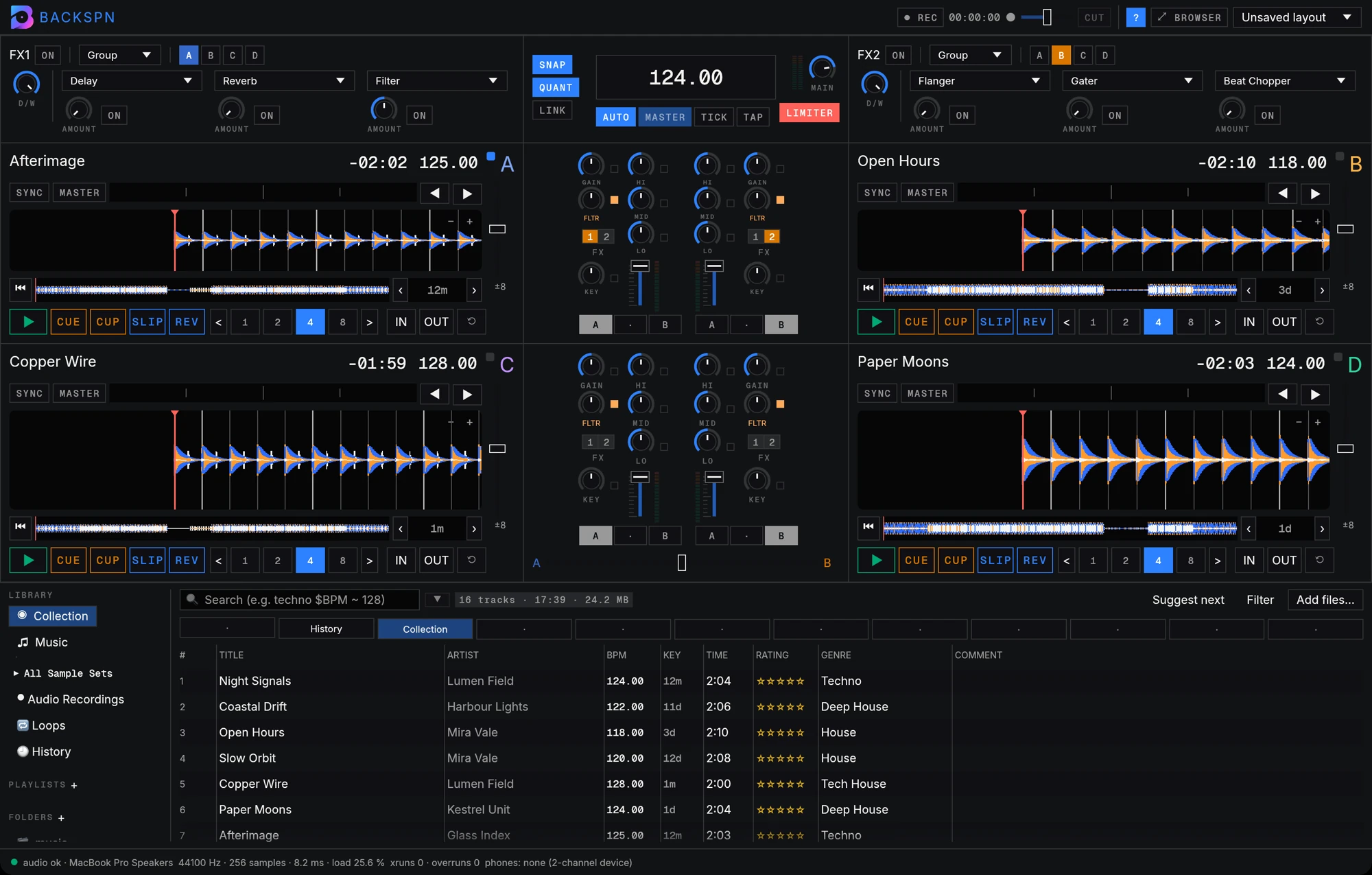
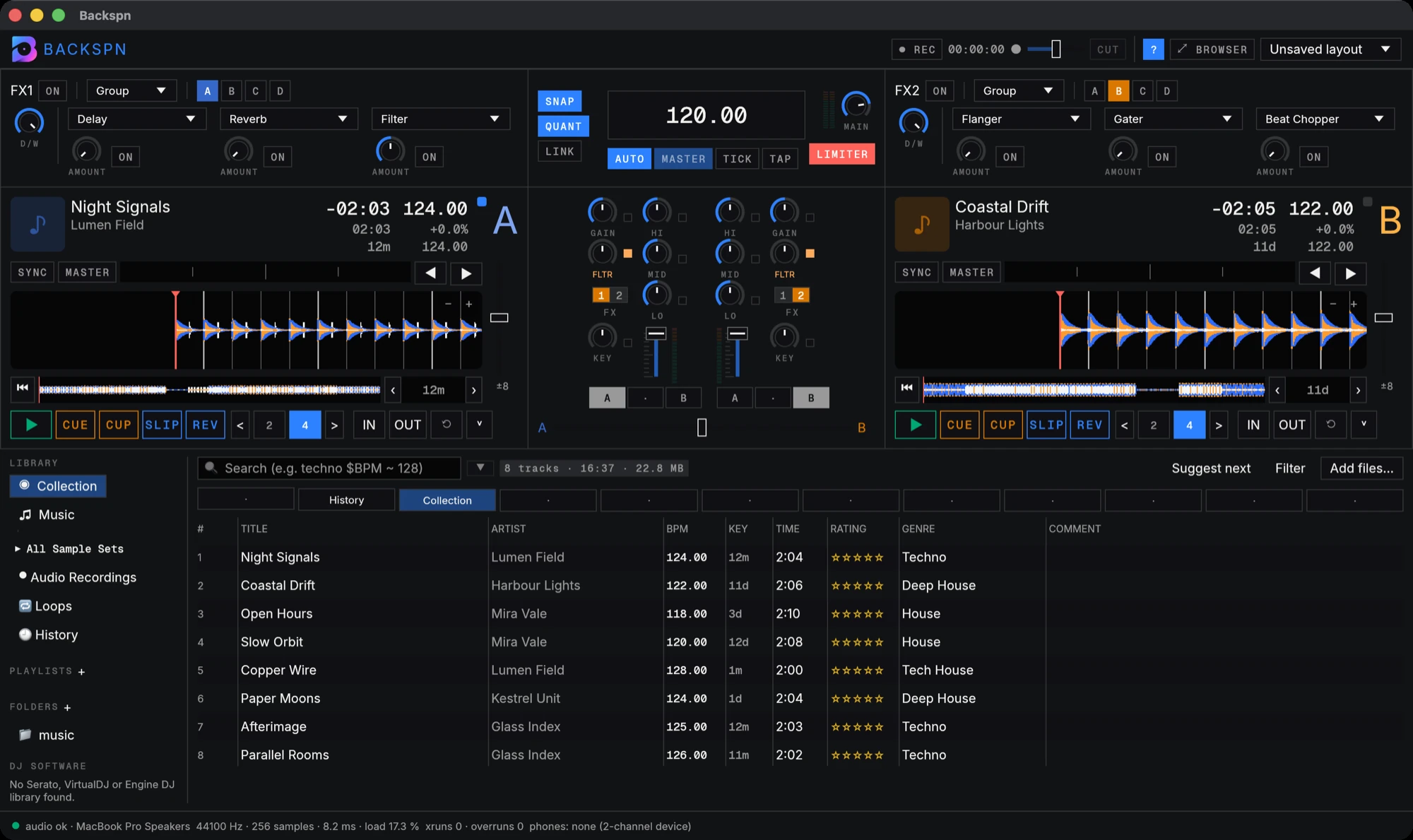
Backspn with two decks loaded, the FX units on top, the mixer in the middle and the library below

Everything a set needs

Each part was built for the booth: quick to read, quick to reach, steady on the beat.

Four decks, one clock

Four decks, one clock

Sync locks every deck to the master clock, half and double time included. Keylock keeps the pitch while you change the tempo.

  • Eight hotcues per deck, slip and reverse
  • Loops and beat jump from 1/32 to 64 beats
  • Four-channel mixer with isolator EQ, club filter, crossfader and limiter
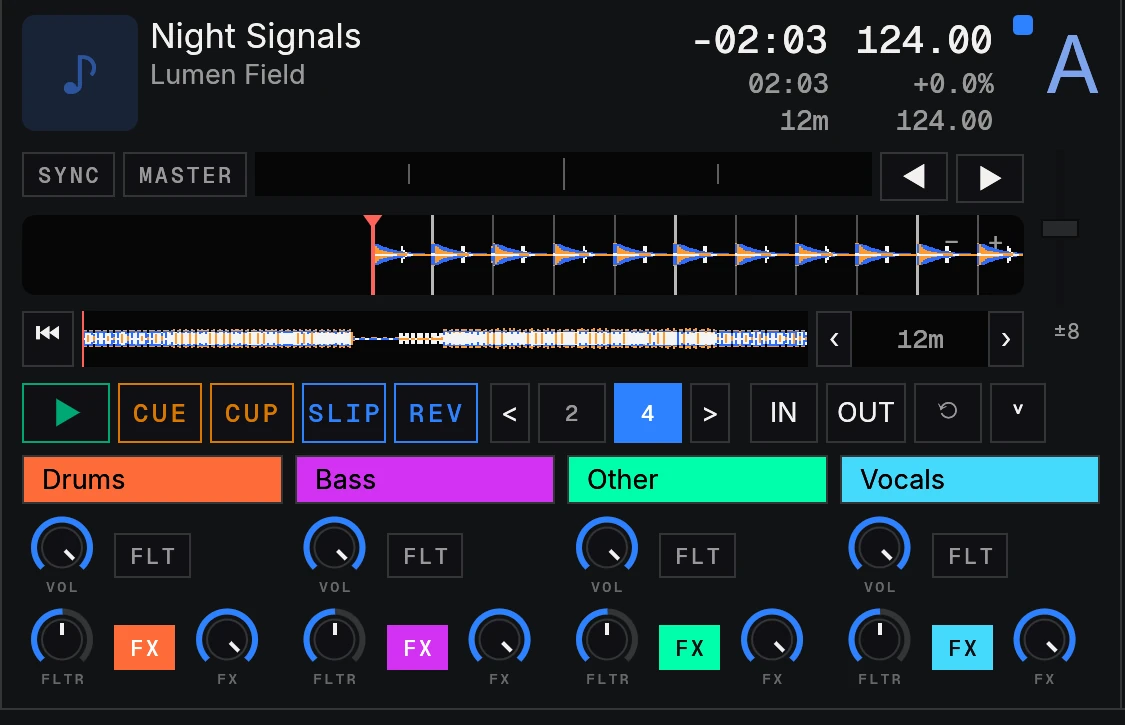
Stems from any track

Stems from any track

Split a track into drums, bass, other and vocals on your own CPU. Then mute, filter or send each one to the effects while it plays.

  • No GPU, and no connection once the model is downloaded
  • The result is saved, so the next load is instant
  • Volume, filter and FX send per stem; .stem.mp4 files load as stems too
74 effects on the beat

74 effects on the beat

Echoes, reverbs, filters, rolls, brakes and the backspin the app is named after, all timed to the deck they sit on.

  • Two or four FX units
  • Group or single mode
  • Insert, post-fader or send routing
Sample decks and a drum machine

Sample decks and a drum machine

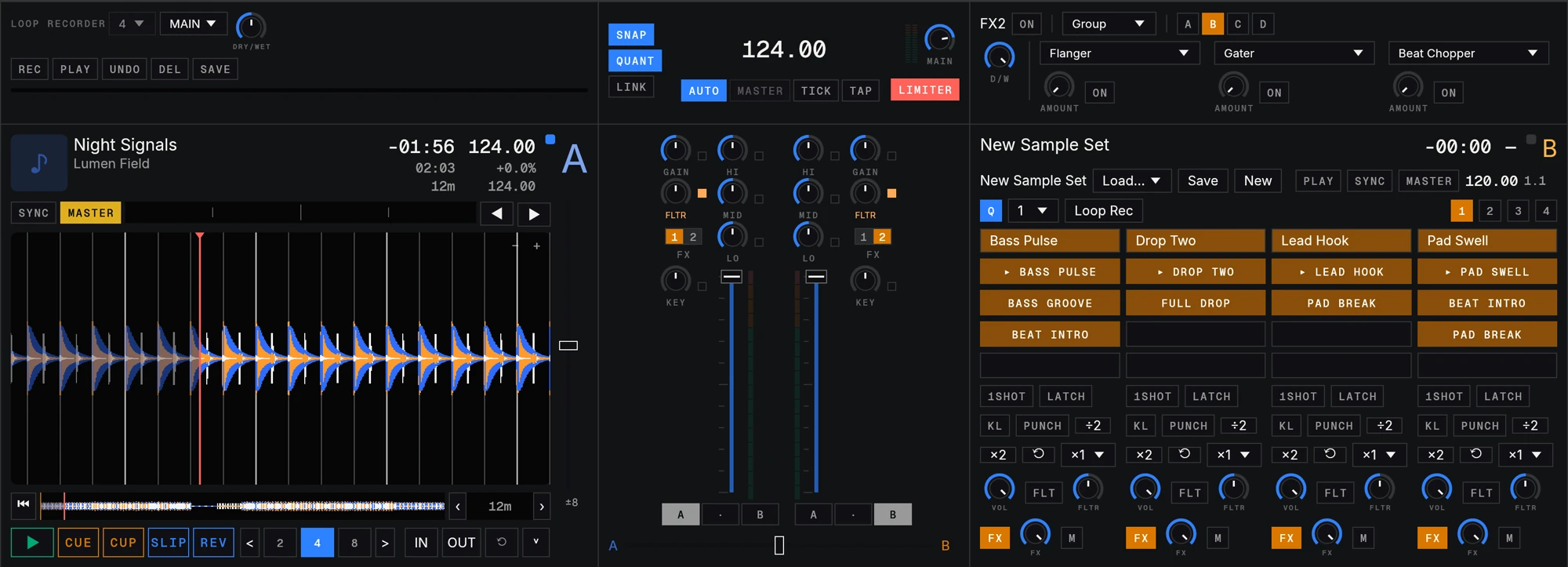
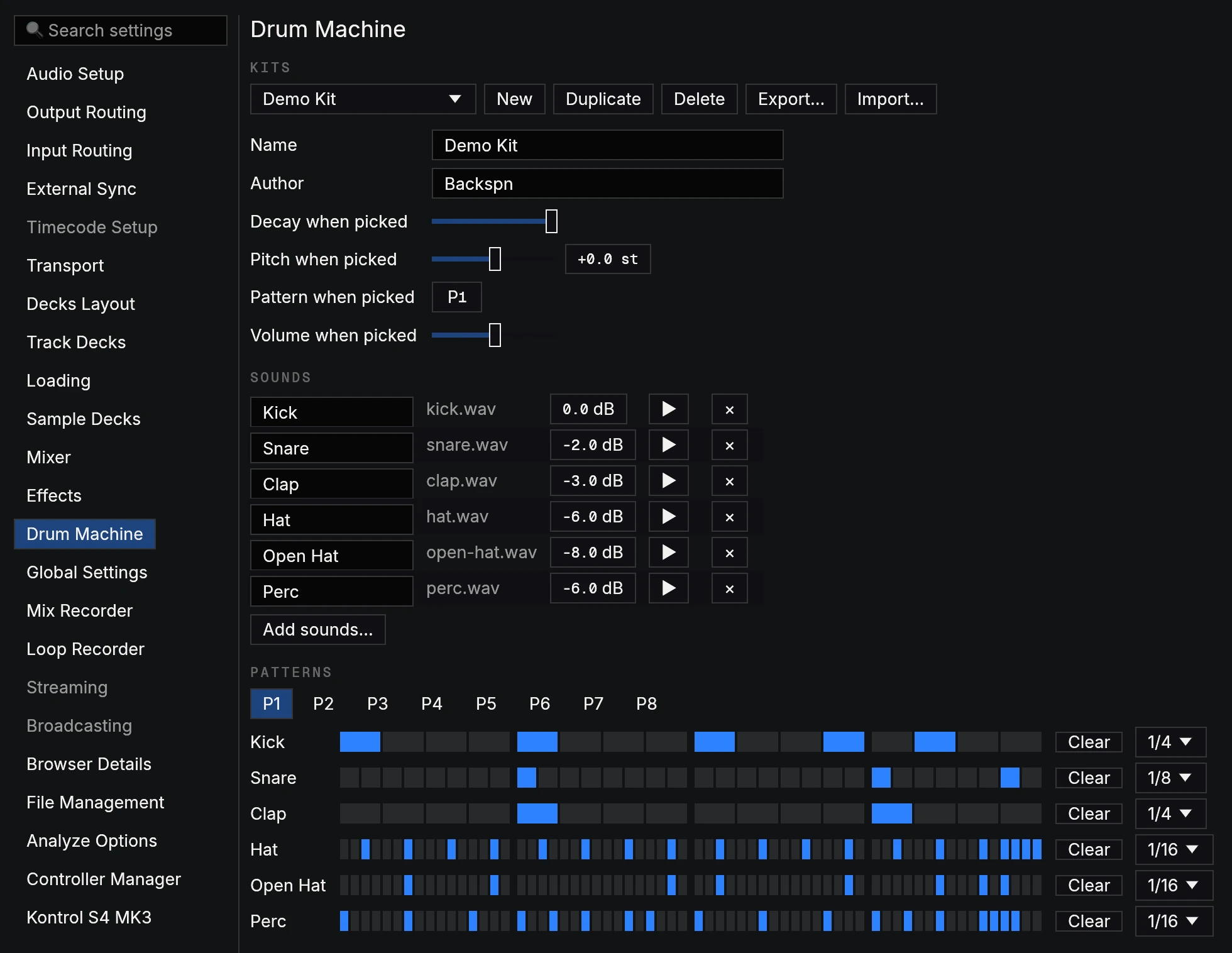
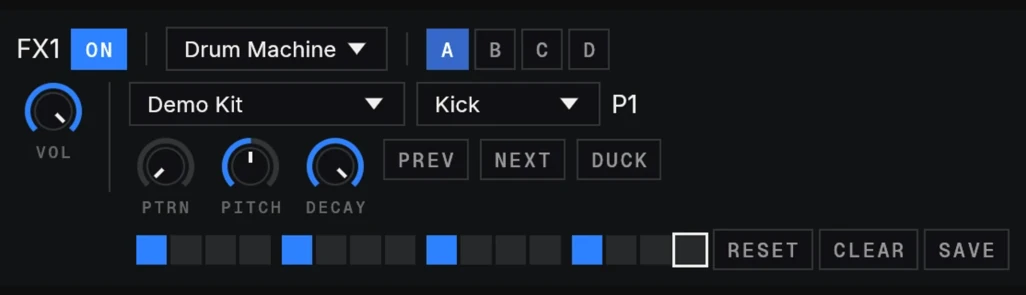
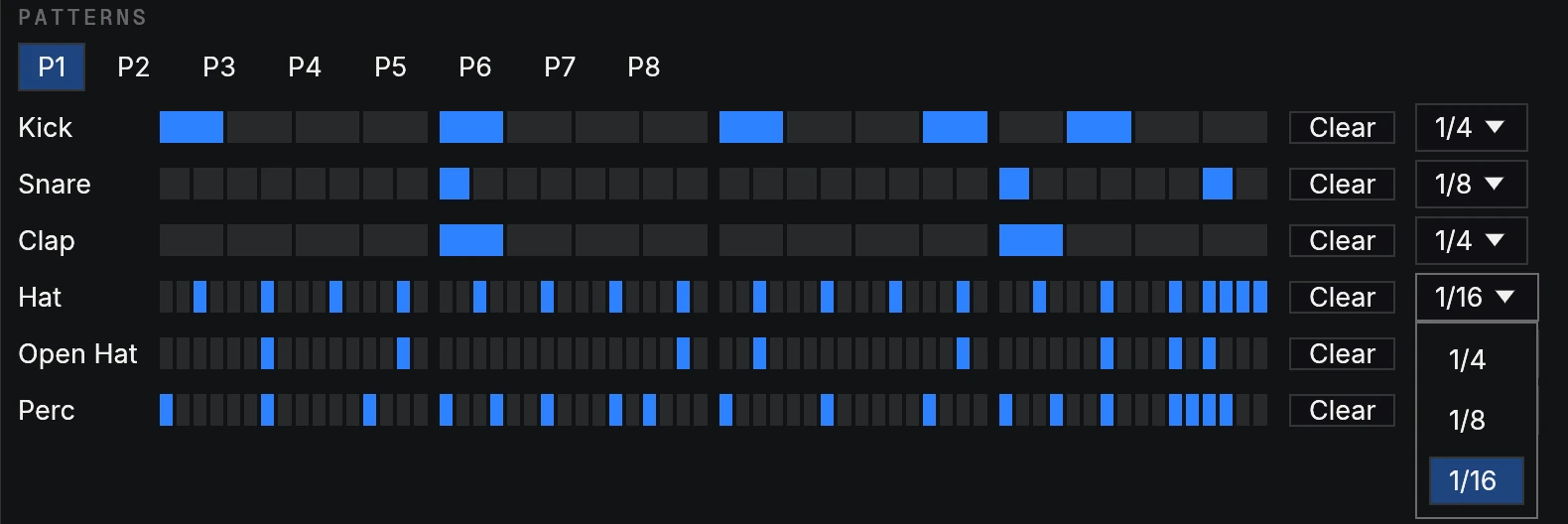
Turn any deck into four slots of loops and one-shots and fire them on the beat. Turn any FX unit into a step sequencer that plays with the master clock.

  • Loop or one-shot, gate or latch, keylock per slot
  • Drum Machine kits you build: your sounds, eight patterns, steps down to 1/16 of a beat
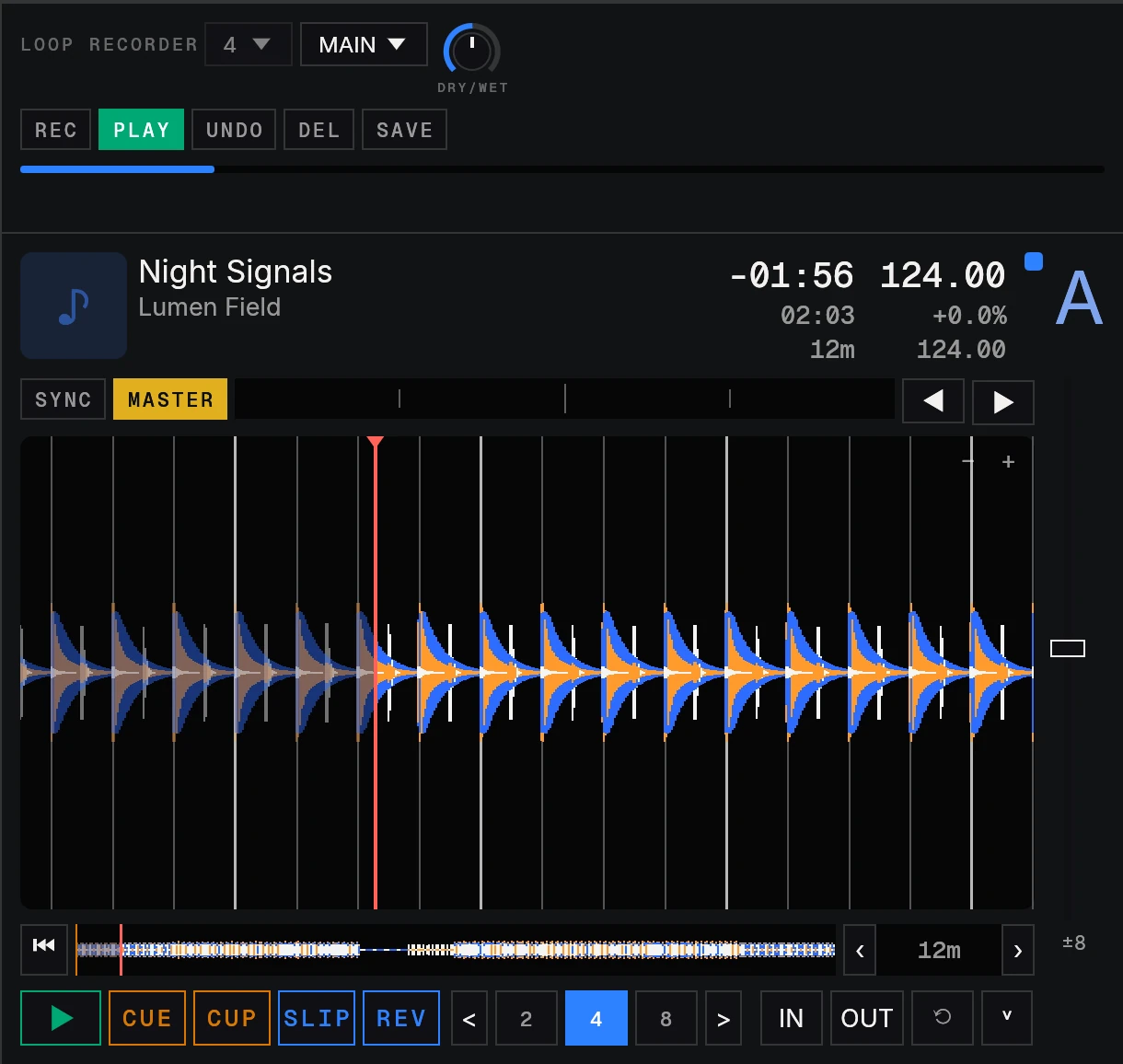
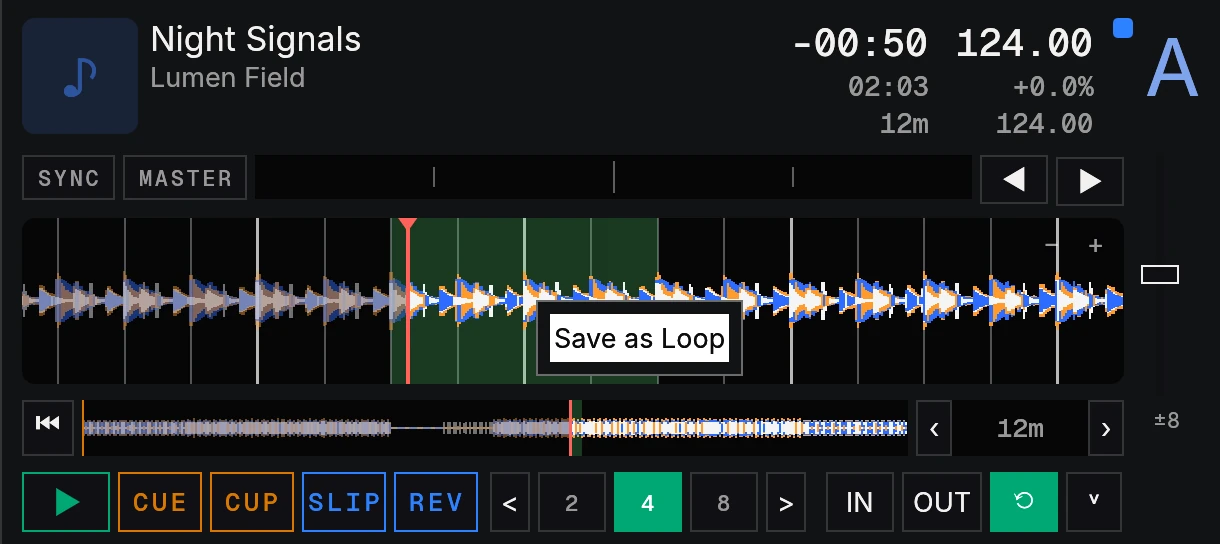
  • Loop recorder with overdub and undo, plus Save as Loop from any deck
A library that knows your music

A library that knows your music

Every track is analysed when it loads: BPM, beatgrid, key and loudness. Find it fast with search, playlists, smartlists and ratings.

  • MP3, AAC, ALAC, FLAC, WAV, AIFF and Ogg
  • Search filters such as techno $BPM ~ 128
  • Imports NML collections and Serato, VirtualDJ and Engine DJ libraries
Bring your controller

Bring your controller

Seven controllers have native drivers with lights, rings and screens. Thirty-six more have MIDI profiles, and MIDI learn maps the rest.

  • Native HID drivers
  • Keyboard mappings
  • MIDI learn for any device

Under the hood

System
macOS, Windows and Linux
Audio
CoreAudio, WASAPI or ALSA, 256-frame buffer
Files
MP3, AAC/M4A, ALAC, FLAC, WAV, AIFF, Ogg Vorbis, .stem.mp4
Analysis
BPM, beatgrid, key and EBU R128 loudness
Stems
Drums, bass, other and vocals, on the CPU
Controllers
7 native drivers, 36 MIDI profiles, MIDI learn
Recording
Mix to WAV (16-bit, 24-bit or 32-bit float), loops of 4 to 32 beats
Layouts
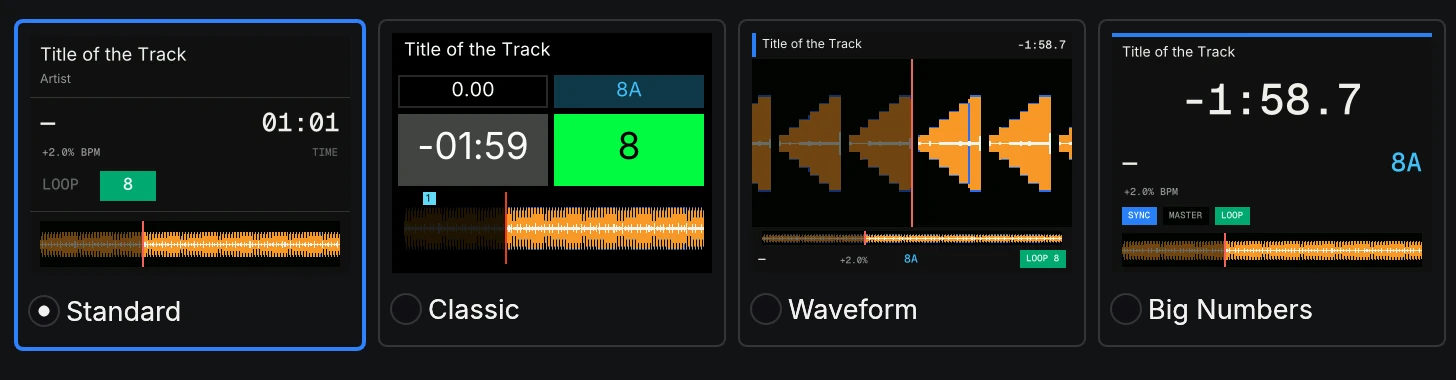
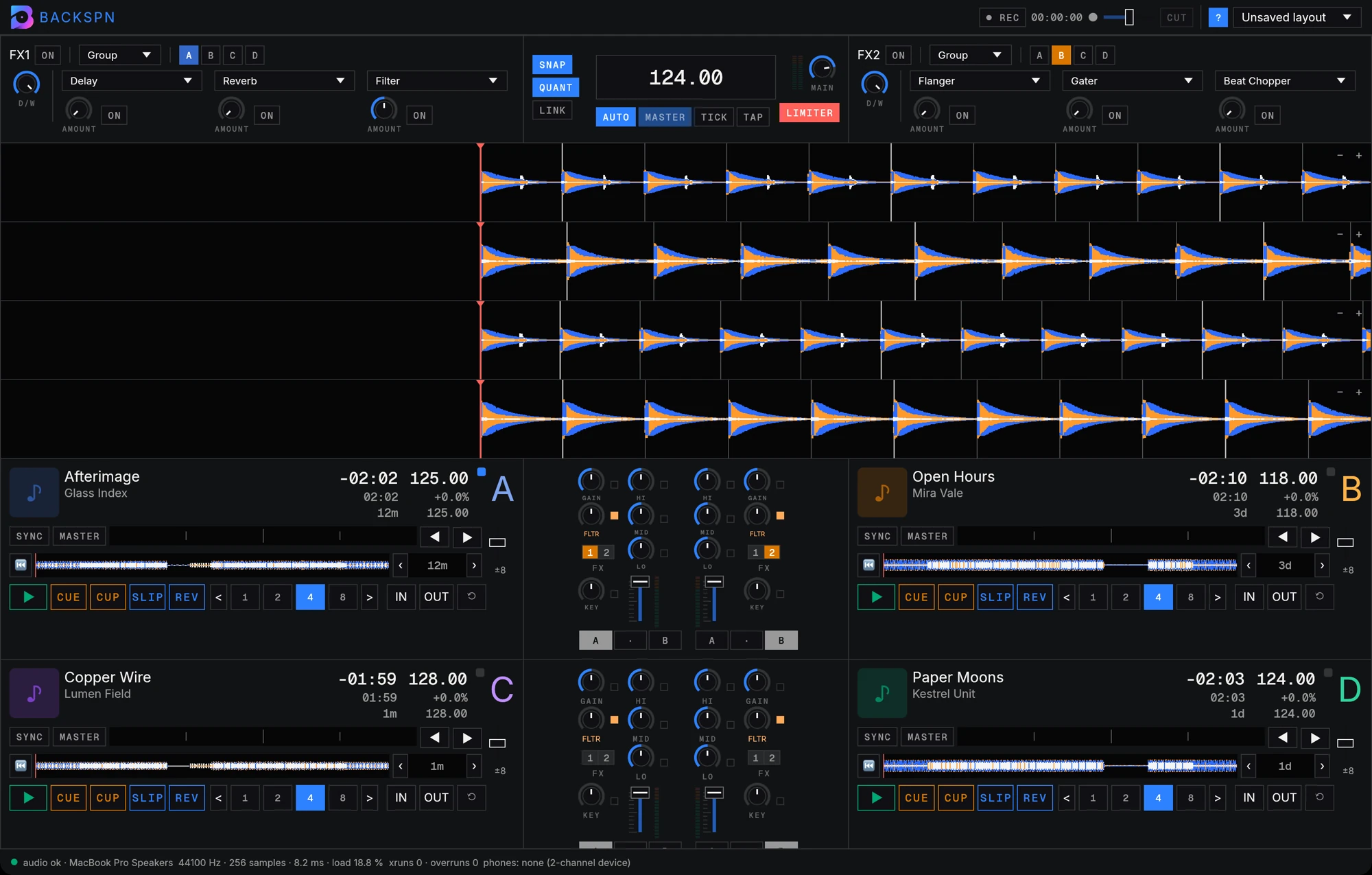
Micro, Essential, Full or Advanced decks, or parallel waveforms
Themes
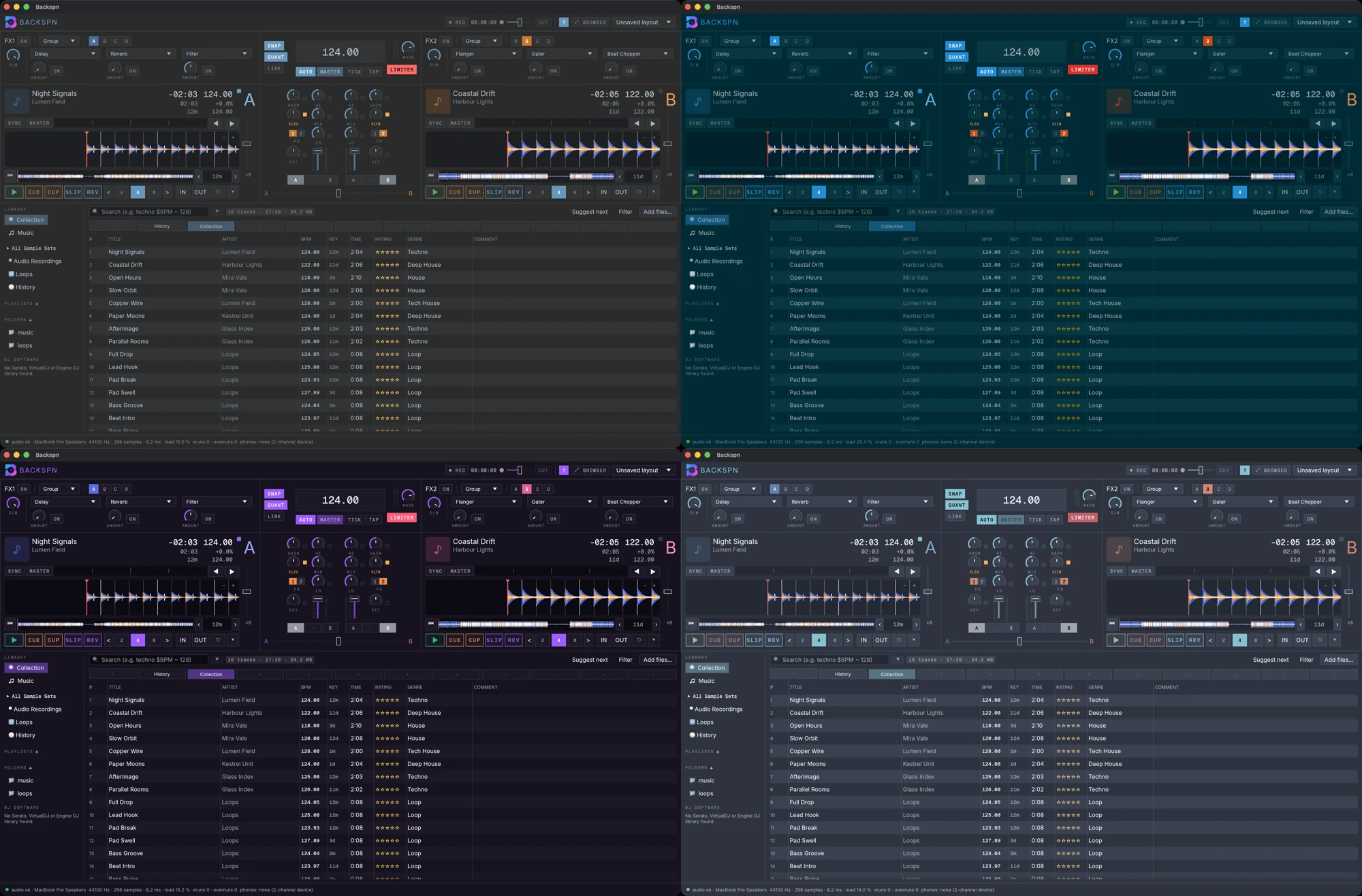
Dark, Light, Darcula, Solar, Purple and Ocean
Status
Public beta
Licence
GPL-3.0 or later

Free and open source

Backspn is written in Rust and released under the GPL. Read the code, build it yourself, report a bug or add your controller.

View the code
# Needs stable Rust, CMake and a C/C++ compiler with libclang:
git clone https://github.com/suitux/Backspn
cd Backspn
cargo run --release -p backspn-app

Questions

What does it cost?

Nothing. Backspn is free software under the GPL-3.0 or later.

Can I download it?

Yes. Beta builds for macOS (.dmg), Windows (.exe) and Linux (.deb and AppImage) are on the GitHub Releases page. You can also build it from source with stable Rust, CMake and a C/C++ compiler.

What does beta mean here?

Every feature on this page is finished and in the build. The beta is for finding the bugs that only show up on other machines, sound cards and controllers. Please report them on GitHub.

Why does my system warn me when I open it?

The beta builds are not notarised by Apple or signed for Windows yet. On macOS, open the app once, then go to System Settings ▸ Privacy & Security and choose Open Anyway; on Windows, choose More info and then Run anyway in SmartScreen.

Which systems does it run on?

macOS, Windows and Linux. Audio goes out through CoreAudio, WASAPI or ALSA with a 256-frame buffer.

Which controllers work?

Seven controllers have native drivers, 36 more have MIDI profiles, and any MIDI device can be mapped with MIDI learn. Only one native driver is tested on hardware so far.

Do stems need a GPU or a connection?

No GPU. Separation runs on the CPU of your own machine. The model downloads on first use; after that it works offline, and each result is saved for the next time.

Can I bring my library from other DJ software?

Yes. Backspn imports NML collections and keyboard and controller mappings, and reads Serato, VirtualDJ and Engine DJ libraries. It never writes into their data folders.

Join the beta

Download it, play a set and tell us what breaks. Testers with a controller are especially welcome.